 Webz
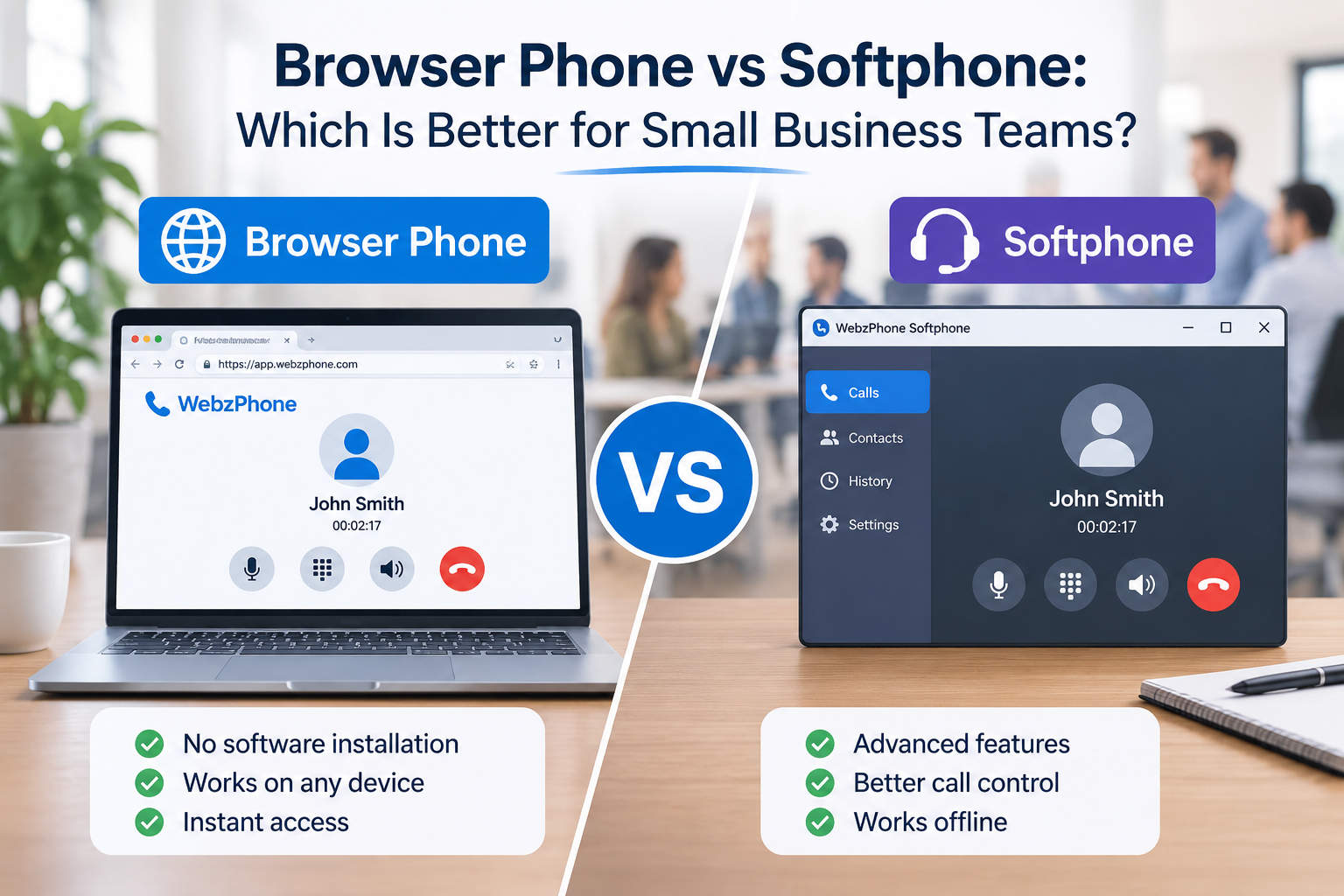
Choosing a business phone system used to mean deciding between a desk phone and a traditional office telephone setup. Today, small businesses have another choice: make and receive calls using software.
That usually leads to a question: should your team use a browser phone or install a softphone application on every computer?
At first glance, the two options can look almost identical. Both let employees make internet-based calls from a computer, use a headset, and connect to ordinary phone numbers. The difference is mainly in how the calling software is delivered and managed.
For a small business, that difference can affect onboarding, support, flexibility, and the amount of work required to keep everyone's phone setup running.
Let's look at what each option means and when one makes more sense than the other.
First, what is the difference?
A softphone is software that lets you make and receive telephone calls over the internet instead of using a traditional desk phone. It can be a desktop application, a mobile app, or a browser-based application.
A browser phone is a softphone that runs inside a web browser. You open a website, sign in, allow microphone access, and use the calling interface without installing a separate desktop phone application.
So, these terms are not completely separate categories. A browser phone is one way of delivering softphone functionality.
When people compare a browser phone with a softphone, they usually mean a browser-based phone versus a dedicated desktop application.
Browser phone: calling directly from a website
A browser phone keeps the calling interface inside a web application. Instead of downloading an installer, employees open a supported browser and sign in to the business phone service.
The browser can access the computer's microphone and speakers, while technologies such as WebRTC make real-time audio communication possible. The service connects the browser call to the telephone network when the user calls a regular phone number.
For the employee, the experience can be straightforward:
- Open the business phone website.
- Sign in to the account.
- Connect a headset or choose an audio device.
- Enter a phone number or select a contact.
- Start the call.
There is no separate phone application to install or update. The calling interface is delivered as part of the web service.
This can be particularly convenient for teams that already spend most of their working day in a browser-based CRM, helpdesk, or business application.
Desktop softphone: a dedicated application
A desktop softphone is installed on a computer, much like other business software. Depending on the provider, it may be available for Windows, macOS, or Linux.
After installation, the employee signs in or configures the application with the account details supplied by the phone provider. Calls are then made through the application rather than through a browser tab.
Desktop softphones can offer useful operating-system integration. Depending on the application, this may include system notifications, startup options, keyboard shortcuts, device controls, or integration with other desktop software.
The trade-off is that someone has to install, configure, update, and occasionally troubleshoot the application on each supported device.
For a business with managed computers and an IT administrator, that may be perfectly reasonable. For a small team without dedicated IT support, it can become another task to maintain.
Browser phone vs desktop softphone: the practical comparison
The most useful way to compare them is to look at everyday work rather than just the technology.
1. Getting started
With a browser phone, employees generally need a supported browser, an internet connection, and permission to use an audio device. They sign in and can start calling.
A desktop softphone requires an installation first. Depending on the provider and company setup, someone may also need to configure accounts, network settings, or device preferences.
Advantage: Browser phone for teams that want a quick, low-friction start.
2. Updates and maintenance
A browser phone's interface is normally updated by the service provider. Users access the current version when they open the application, so there is no separate desktop client for the business to update.
A desktop softphone may need periodic application updates. Some applications update automatically, while others depend on the user or IT team to install new versions.
Advantage: Browser phone when minimizing local software maintenance is important.
3. Working across different computers
A browser-based phone can be convenient when employees use more than one computer or occasionally work from a shared workstation. They can sign in through a supported browser, subject to the service's security and device policies.
A desktop softphone is usually tied to the computers on which it has been installed and configured. It can still support multiple devices, but those devices may need separate setup.
Advantage: Browser phone for flexible work environments.
4. Operating-system integration
A dedicated desktop application may have deeper integration with the operating system. Depending on the product, it might provide native notifications, launch at startup, global keyboard shortcuts, or closer integration with other desktop tools.
A browser phone can also provide notifications and integrations, but what is possible depends on the browser, operating system, and web application.
Advantage: Desktop softphone when a particular native feature is important to the team.
5. Call quality
It is tempting to assume that an installed application automatically provides better call quality. That is not a reliable rule.
Call quality depends on several factors: the internet connection, network congestion, latency, jitter, packet loss, audio devices, and how well the calling service is implemented. Browser-based calling and desktop softphones can both deliver good-quality calls when configured and used in suitable conditions.
A wired connection or stable Wi-Fi, a decent headset, and a quiet environment can make a noticeable difference.
Result: It depends on the service and network, not simply on whether the phone runs in a browser or as an installed application.
6. Security and access control
Both approaches need sensible security. A business should look for encrypted connections, secure account authentication, appropriate access controls, and clear procedures for removing access when an employee leaves.
A browser phone avoids installing a separate calling client, but it does not remove the need to protect user accounts and devices. A desktop application also needs to be kept up to date and configured securely.
The right choice depends on the security controls offered by the provider and the policies your business needs to enforce.
7. Support and troubleshooting
With a browser phone, support can often begin with familiar checks: browser compatibility, microphone permissions, selected audio devices, and network connectivity.
A desktop softphone adds another layer to investigate: the installed application, its version, local configuration, and possible conflicts with other software.
Neither option is trouble-free, but fewer installed components can make a simple browser-based setup easier to support.
Quick comparison
| Area | Browser phone | Desktop softphone |
|---|---|---|
| Installation | Usually no separate app installation | Desktop app must be installed |
| Updates | Usually delivered through the web service | Depends on the app's update process |
| Switching computers | Sign in through a supported browser | Install and configure on each computer |
| Operating-system integration | Depends on browser capabilities | May offer deeper native integration |
| Call quality | Depends on service, network, and devices | Depends on service, network, and devices |
| IT maintenance | Often less local maintenance | May require client maintenance |
| Best fit | Flexible teams and simple deployment | Teams needing specific desktop features |
Which option is better for a small business?
There is no universal winner. The better option depends on how your employees work and what your phone system needs to do.
A browser phone is often a strong fit if:
- Your employees already work mainly in web applications.
- You want to avoid installing another application on every computer.
- People work from different locations or use more than one device.
- You want a straightforward way to give employees access to business calling.
- You do not have a dedicated IT team to maintain desktop software.
A desktop softphone may be a better fit if:
- Your team relies on specific features available only in a native application.
- You need deep operating-system integration.
- Your IT team centrally manages desktop software and configurations.
- Your existing phone provider or workflow is built around a desktop client.
It is also possible to use both approaches. For example, a company might use desktop softphones for employees who spend all day on calls, while giving occasional callers access through a browser.
What should you check before choosing?
Before committing to a phone solution, make a short list of practical requirements. The user interface is important, but it should not be the only deciding factor.
Consider these questions:
- Can employees call ordinary phone numbers? Confirm that the service connects to the public telephone network, not only to other users of the same application.
- Which countries and destinations are supported? Check international calling coverage and rates.
- How are calls charged? Compare subscriptions, per-user fees, bundles, and pay-as-you-go credit.
- Can users manage their audio devices? They should be able to select the right microphone, headset, and speaker.
- Does it work with your browsers and operating systems? Check the provider's current compatibility requirements.
- What happens when the internet connection is poor? Understand the provider's limitations and what troubleshooting information is available.
- Can you control employee access? Look for appropriate user management and account security.
- Can it grow with the business? Consider how easy it is to add users and manage a larger team.
If possible, test the service with a few employees before rolling it out to everyone. Include people who work in different locations and use different headsets or computers. A short real-world trial can reveal issues that are easy to miss during a product demonstration.
Don't overlook the cost of managing the phone system
The advertised price is only part of the total cost.
A desktop application may be inexpensive or included in a plan, but the business still needs to consider installation, updates, support, and device management. A browser phone may reduce some of that work, although the service itself can still have subscription, usage, or account fees.
For a small business, the simplest system is not necessarily the one with the lowest monthly price. It is the one that gives employees the calling features they need without creating unnecessary administration.
Pay-as-you-go calling can also be worth considering if call volumes vary. Instead of paying for a large bundle of minutes that may go unused, a business can choose a model where calling costs are based more directly on usage. Always compare the actual destination rates and any additional fees.
A simpler way to make business calls
For many small teams, a browser phone is an appealing alternative to installing and maintaining a separate desktop application. Employees can access calling through a familiar browser, while the business avoids adding another piece of software to every workstation.
That does not mean desktop softphones are outdated or unsuitable. They remain useful when native operating-system features or a particular desktop workflow matters.
The important distinction is that a browser phone is not a completely different kind of telephone system. It is a more browser-focused way to access softphone functionality. If your team's needs are straightforward, it may be all you need.
WebzPhone brings business calling into the browser, so you can make calls without relying on a separate desktop phone application. If you are exploring a simpler way for your team to handle calls, take a look at WebzPhone.
Frequently asked questions
Is a browser phone the same as a softphone?
A browser phone is a type of softphone. The term softphone describes software-based calling in general, while browser phone usually means that the calling interface runs inside a web browser.
Do I need to install anything to use a browser phone?
Usually, you do not need to install a separate desktop calling application. You do need a supported browser, an internet connection, and permission to access a microphone and audio output device. Specific requirements depend on the provider.
Does a desktop softphone have better call quality?
Not automatically. Call quality is affected by the network, audio hardware, software implementation, and service infrastructure. A well-built browser phone can provide clear calls, just as a well-built desktop softphone can.
Can a browser phone call mobile phones and landlines?
It can if the service connects to the public telephone network and supports the destination you want to call. Check the provider's coverage and rates before choosing a service.
Is a browser phone suitable for remote employees?
It can be. Employees can access the service through a supported browser from different locations, provided they have a suitable internet connection and their accounts and devices meet the company's security requirements.